
What AI Is—and Is Not
What AI Is—and Is Not
1 Course position and tonight’s promise
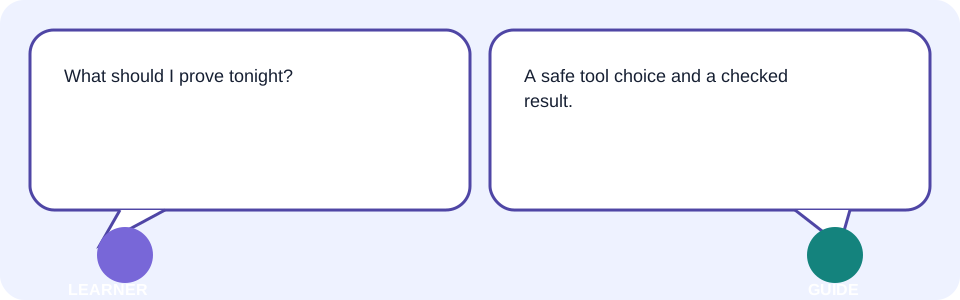
Day 1 begins after your Day 0 readiness pack. Tonight you will sort everyday examples into old software, predictive AI, or generative AI, then keep a named “AI Tool Choice Card” with a reusable prompt and verification checklist.
2 What you will learn and why it matters
- Spot AI already present in familiar apps.
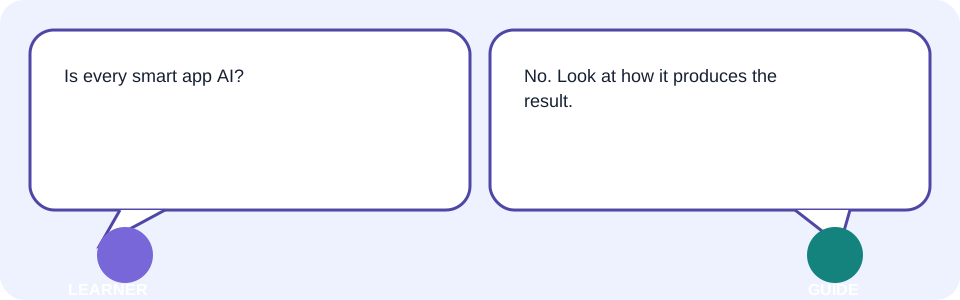
- Contrast fixed rules with learned patterns.
- Explain generative AI as next-piece prediction without treating it as a person.
- Use prompt, model, context, hallucination, and credits accurately.
- Verify output, protect sensitive data, and choose a fitting tool.
These decisions prevent wasted credits, privacy exposure, and confident-looking errors before later portfolio projects become more complex.
3 A familiar situation: predict before you choose
Fictional sample values: Meena’s Corner Shop advertises ₹800 notebooks with a fixed 10% festival discount. A calculator can apply the rule; a predictive system might estimate demand from past totals; a generative tool might draft a short poster.
| Task | Your prediction | Best starting mechanism |
|---|---|---|
| Compute ₹800 minus 10% | Same answer every time | Fixed rule/calculator |
| Estimate next week’s demand | Varies with learned historical patterns | Predictive AI |
| Draft three poster lines | New wording from the instruction and context | Generative AI |
4 Simple explanation, then accurate vocabulary
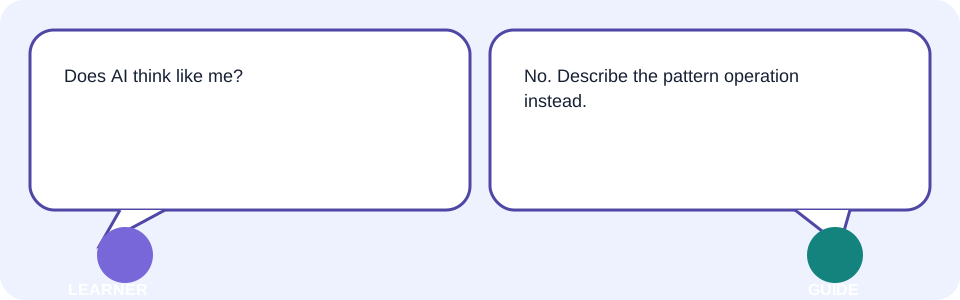
AI is software that performs tasks associated with human intelligence, often by finding patterns in data. It is not a person, intention, consciousness, or automatic source of truth.
| Term | Plain meaning | Accurate meaning |
|---|---|---|
| Rule-based software | Follows written instructions | Executes human-authored conditions; it does not learn the rule from examples. |
| Predictive AI | Estimates what is likely | A model maps inputs to a prediction using patterns learned during training. |
| Generative AI | Creates a new draft | A model predicts likely next pieces—such as text tokens or image elements—conditioned on its input. |
5 AI already present in everyday apps
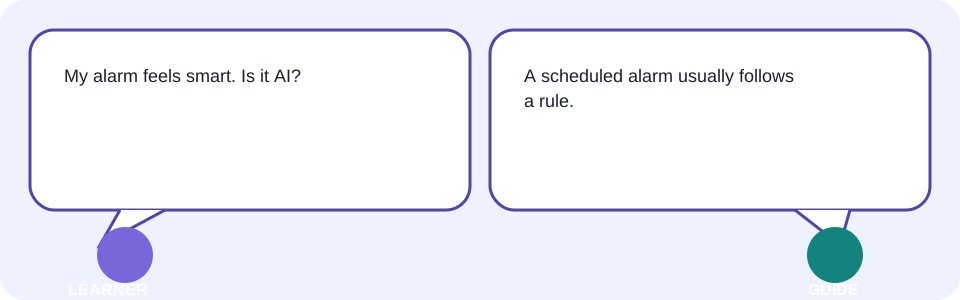
AI can appear quietly in spam filtering, photo grouping, speech-to-text, recommendations, translation, fraud alerts, and route estimates. Each feature has a narrow job and can be wrong.
| Everyday feature | Likely role | Human check |
|---|---|---|
| Email spam filter | Predictive classification | Inspect spam before deleting important mail. |
| Keyboard suggestions | Next-piece prediction | Read before sending. |
| Photo search by object | Learned visual matching | Confirm the people or objects yourself. |
| Alarm at 07:00 | Usually a fixed rule | Check time, repeat, and time zone. |
6 Rule-based software compared with learned patterns
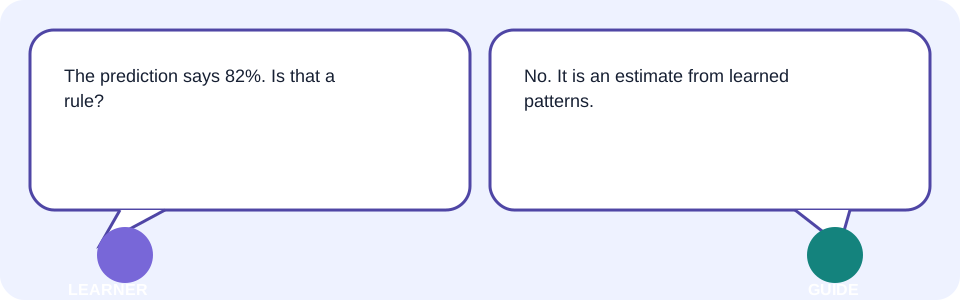
Primary example: the shop’s fixed discount is “if eligible, multiply price by 0.90.” A learned model instead studies fictional past shopping rows and estimates whether a customer might use an offer. The model produces a probability, not the exact discount rule.
| Evidence | Fixed shopping rule | Learned shopping pattern |
|---|---|---|
| Instruction | Written directly by a person | Parameters fitted from examples |
| Same eligible ₹800 input | ₹720 every valid run | A score that may change with model/data |
| Best use | Exact, auditable calculation | Uncertain pattern estimate |
| Failure | Wrong or incomplete rule | Biased, stale, unrepresentative data |
7 Generative AI and next-piece prediction
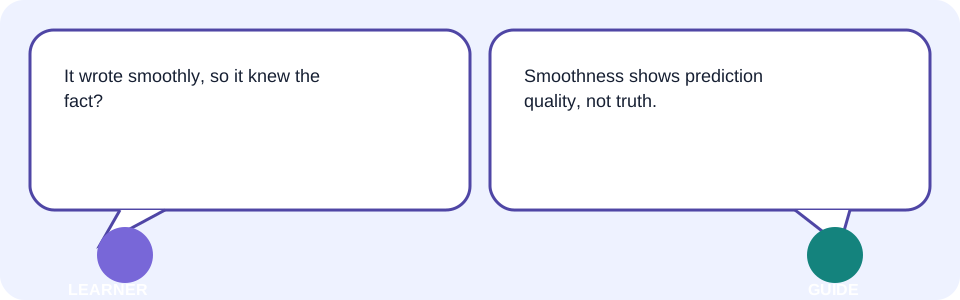
A generative AI model creates output one likely piece at a time, influenced by its training and the current input. In text, a piece may be a token rather than a whole word. This can produce useful new wording without retrieving a stored, verified answer.
| Prompt start | Plausible continuation | What it proves |
|---|---|---|
| “Write a five-word shop poster…” | “Save ten percent on notebooks.” | The constraint influenced likely wording. |
| “Name our invented 1842 award…” | A convincing invented name | Fluency does not prove the award exists. |
8 Prompt, model, context, hallucination, and credits
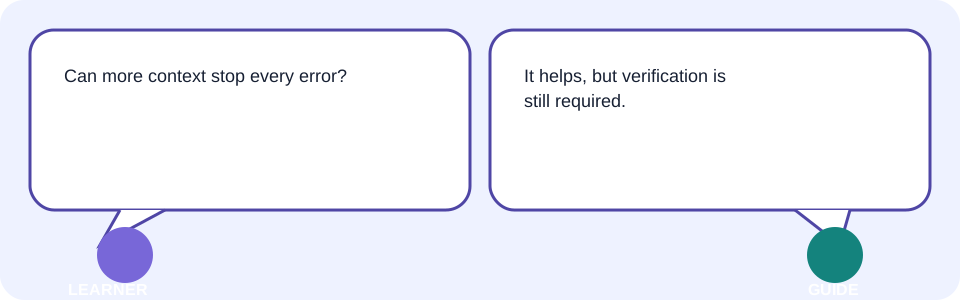
A prompt is the instruction and input you send. A model is the trained pattern system that transforms that input. Context is the information available for this response, including relevant instructions and supplied material.
A hallucination is plausible-looking unsupported or false output. Credits are provider-defined usage units or allowances; they may measure messages, tokens, media generations, compute, or something else.
| Object in this lesson | Technical connection |
|---|---|
| Input card | The actual prompt plus safe sample data |
| Tool-operation card | The chosen fixed rule, predictive model, or generative model |
| Source card | Context/evidence supplied for checking |
| Human review gate | A person compares claims and format with evidence |
| Saved choice card | The exported artifact—not proof that every claim is true |
9 Five beginner myths
| Myth | Reality | Better action |
|---|---|---|
| “AI is one magic tool.” | Different systems do different jobs. | Match the mechanism to the outcome. |
| “It searches the internet automatically.” | Access to current sources varies. | Confirm sources and access explicitly. |
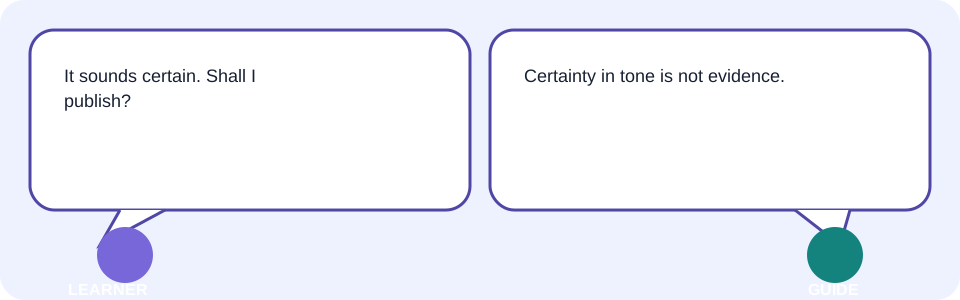
| “Confident means correct.” | Fluency can accompany invention. | Check each factual claim. |
| “More personal data improves everything.” | Extra data adds privacy risk. | Minimise or use fictional samples. |
| “The first draft is final.” | Generation is an editable draft. | Review and revise from evidence. |
10 Verification and sensitive-data safety
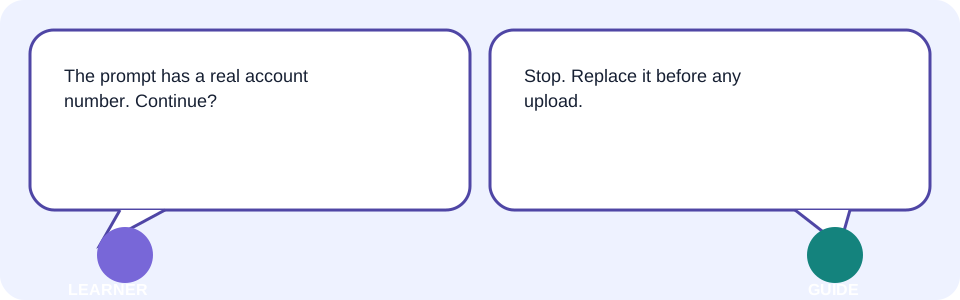
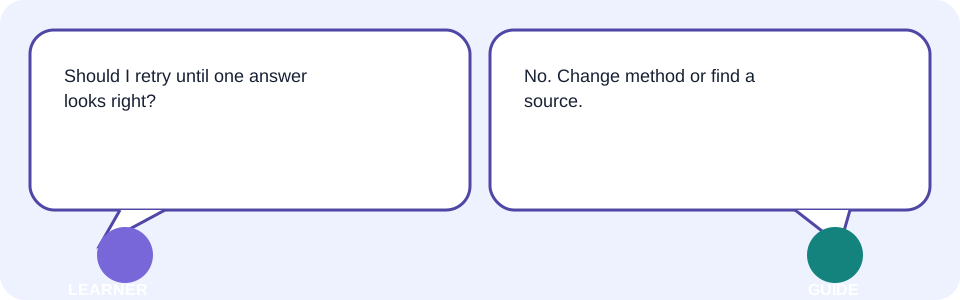
Verify facts, links, extracted data, calculations, names, dates, and answer keys against an authoritative source or manual check. When a claim has no dependable source, label uncertainty or remove it—do not repeatedly retry and hope.
- Never upload Aadhaar or PAN numbers, banking credentials, passwords, medical records, employer-confidential material, or unnecessary personal data.
- Use the fictional shop values or a no-upload paper exercise.
- AI explanations are not legal, medical, or financial advice; seek a qualified professional for high-stakes decisions.
- For children, AI explains and the child writes; an adult or teacher reviews.
11 Choosing the right AI tool
| Need | Best starting tool | Reason / check |
|---|---|---|
| Exact known discount | Calculator or spreadsheet rule | Auditable arithmetic; verify formula. |
| Predict demand from suitable records | Predictive system with evaluated data | Designed for estimates; inspect error and bias. |
| Draft poster wording | Generative text tool | Designed to create; fact-check every claim. |
| Find a current official policy | Official site/search with source links | Currency and provenance matter. |
| High-stakes diagnosis or advice | Qualified professional | AI output is not professional advice. |
- Define the outcome and audience.
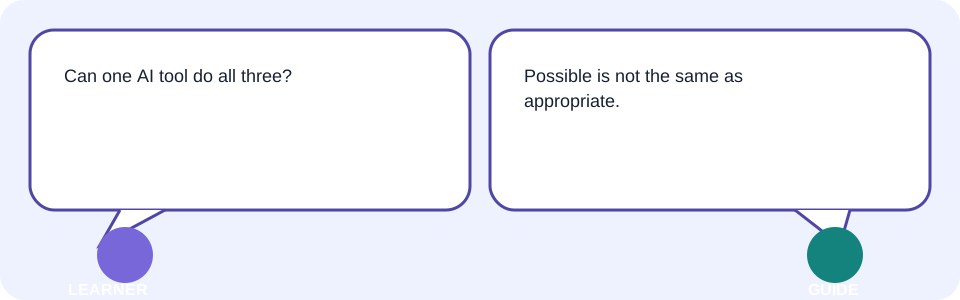
- Decide whether it needs a fixed rule, a prediction, generation, retrieval, or a professional.
- Check acceptable data, source access, export format, accessibility, credits, watermark, rights, and retention.
- Run a small fictional test; verify; then keep or reject the tool.
12 Interactive process model: route, review, revise
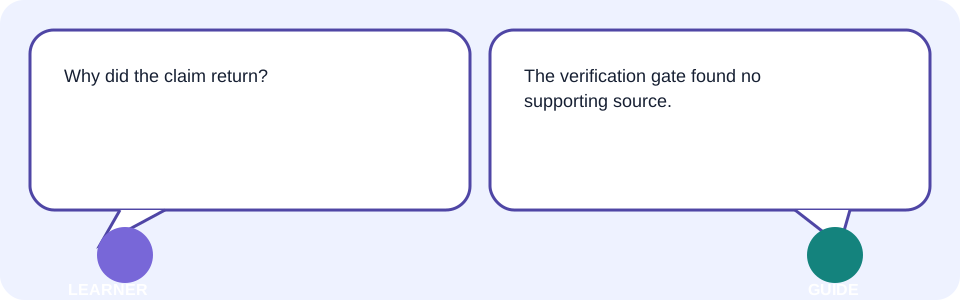
First predict a route. Then choose “Try a choice” and compare the visible outcome. States progress from Not started → Working → Needs review → Verified → Ready; sensitive input or unsupported claims become Blocked and return to the failed stage.
| Stage | Accepted example | Rejected / correction |
|---|---|---|
| Input | Fictional ₹800 price | Bank details → replace before upload |
| Operation | 10% fixed rule for arithmetic | Generative tool for exact arithmetic → use calculator |
| Output | “10% off notebooks” | “Award-winning since 1842” → remove without evidence |
| Review | 800 × 0.90 = 720 | No source → blocked |
| Export | Named choice card + checklist | Chat only → save and reopen |
13 Facilitator-led demonstration: poor input to verified result
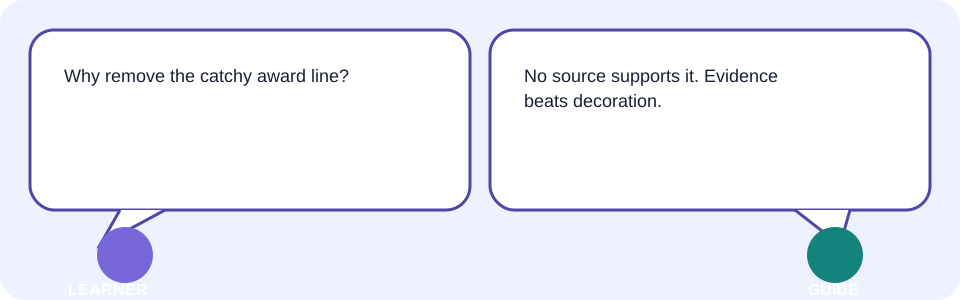
Poor starting input: “Make a great discount ad.” It lacks audience, values, format, source limits, and privacy boundaries. The first fictional output says “Award-winning since 1842”—a realistic hallucination because the prompt invited unsupported decoration.
Role: Help a beginner shop owner draft wording.
Audience: Local notebook buyers.
Use only these fictional facts: price ₹800; discount 10%; final price ₹720.
Output: one headline and one sentence, each under 12 words.
Limits: Do not invent awards, history, urgency, stock, or customer claims.
After the draft, list each factual claim for human verification.| Visible decision | Before | After / evidence |
|---|---|---|
| Scope | “great ad” | Audience, output, and limits stated |
| Arithmetic | Unspecified | ₹720 checked with 800 × 0.90 |
| Invented claim | “Award-winning since 1842” | Removed because no supplied source supports it |
| Result | Polished but unsafe | Constrained draft plus claim list |
14 The AI Tool Choice Card
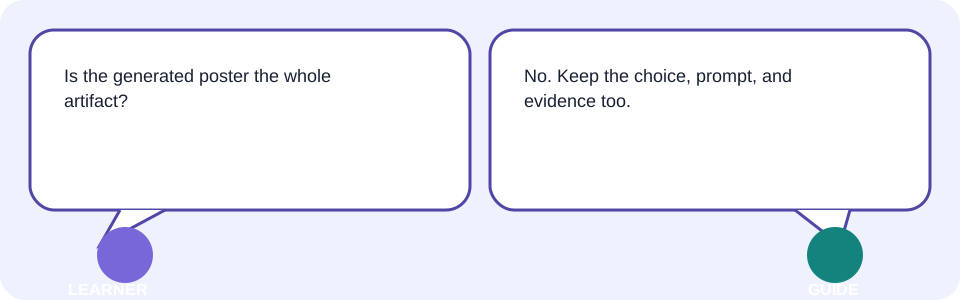
Artifact name: Day-1-AI-Tool-Choice-Card-[your initials]
Safe task and audience:
Required output and limits:
Mechanism: fixed rule / predictive / generative / retrieval / professional
Why this mechanism fits:
Non-sensitive context/source:
Prediction before run:
Result and verification evidence:
Revision and reason:
Tool limits/credits/rights checked at: [official page + date]
This card is both the finished artifact and an explanation of the decision. Keep the reusable prompt and checklist with it so another person can reproduce the safe method.
15 Learner lab: build your safe Tool Choice Card
- Prepare fictional or minimised input; use the shop sample if you prefer no upload.
- Write your predicted output and one likely risk.
- Choose fixed rule, predictive AI, generative AI, retrieval, or a qualified professional—and explain why.
- Run the first attempt using current GUI controls or complete it on paper.
- Check requested format, each fact, calculation, link, and privacy boundary against evidence.
- Revise the exact failed instruction or context; never use blind retries instead of a source.
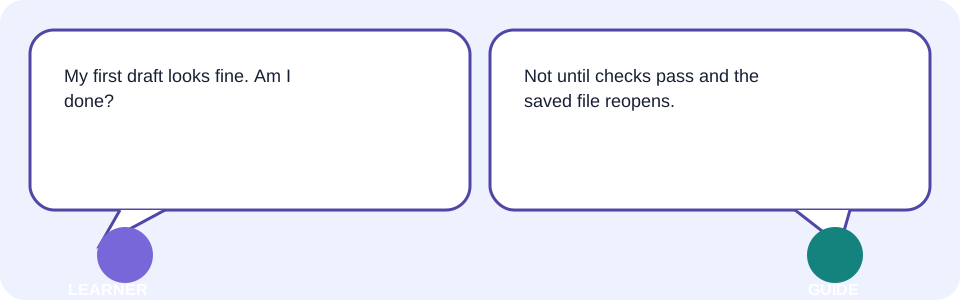
- Export/save the named card, prompt, output, and checklist; reopen the file.
- Add: “I revised ___ because the evidence showed ___.”
| Checkpoint | Evidence to show |
|---|---|
| Safe input | Fictional label or redacted/minimised source |
| Clear request | Audience + output + limits |
| Format | Manual comparison with request |
| Accuracy | Source or calculation beside every factual claim |
| Revision | Before/after plus one-line reason |
| Kept work | Named file reopens correctly |
16 Behind the scenes, limitations, safety, and verification
- The prompt card represents submitted instructions and safe context; hidden provider instructions may also affect output.
- The model/tool card represents mathematical operations, not a mind or truth engine.
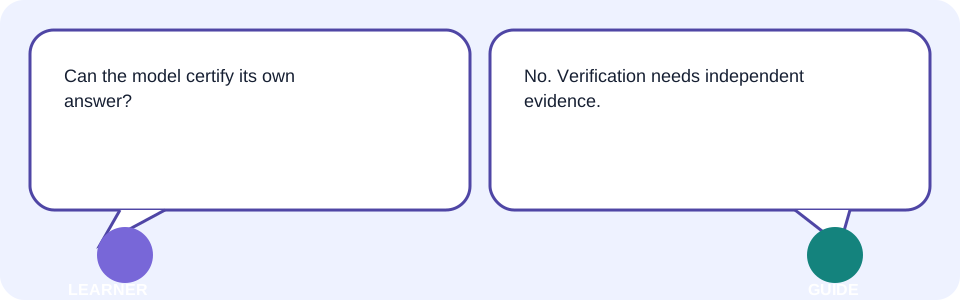
- The source card represents evidence a human can inspect; model output is not its own source.
- The review gate represents privacy, accuracy, format, permissions, and terms checks.
- The exported artifact represents what you saved, not a guarantee or professional approval.
17 Common confusion, troubleshooting, and best practices
| Symptom | Likely cause | Safe fix |
|---|---|---|
| Fluent output is wrong | Tone mistaken for evidence | Stop and compare claims with an authoritative source. |
| Generic output | Too little context | Add audience, desired output, safe facts, and limits. |
| First draft is “almost” right | No review/revision checkpoint | Mark the precise mismatch and revise from evidence. |
| Private data appears | Sensitive input was submitted | Stop sharing; follow provider/incident guidance and replace it—do not retry. |
| Feature unavailable or marked | Plan/credit/watermark limit | Keep required marks or choose a permitted alternative; check official terms. |
| Work disappears | Relied on chat history/autosave | Export named files and reopen them. |
| Repeated answers disagree | No reliable source or unsuitable tool | Stop retries; find a source, use a rule/calculator, or ask a qualified person. |
| Exact discount varies | Generative tool chosen for arithmetic | Use the stated rule in a calculator/spreadsheet and verify. |
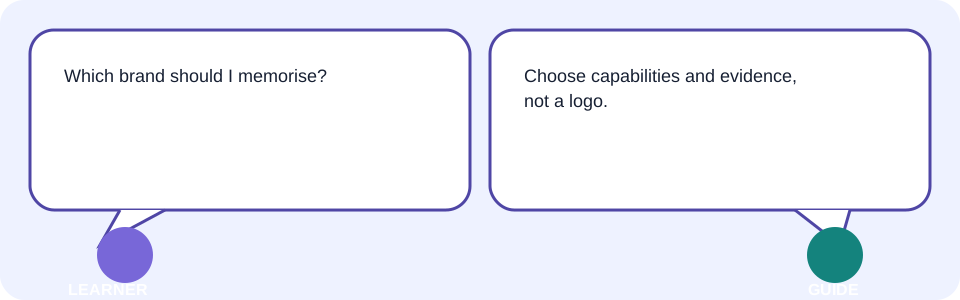
- Best practice: define the job before the brand.
- Best practice: minimise data and separate facts from draft language.
- Best practice: preserve before/after evidence.
- Trainer tip: ask “Which visible evidence changed your decision?”
18 Takeaways
- AI is a collection of task-specific systems, not a person or truth guarantee.
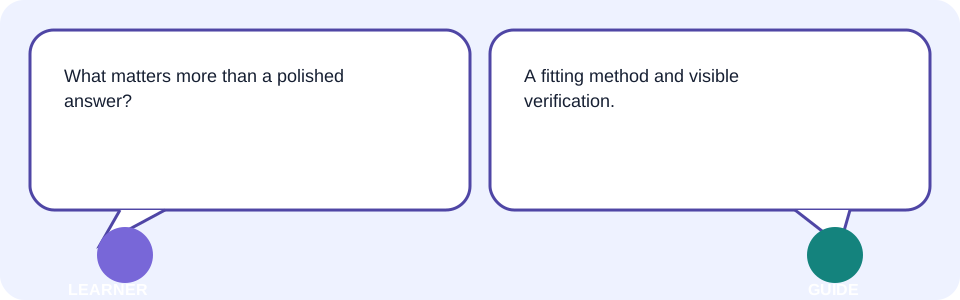
- Use explicit rules for declared calculations, predictive systems for evaluated estimates, and generative systems for drafts.
- A prompt supplies instructions; context supplies available information; the model performs the operation.
- Fluent output can hallucinate. Verify independently and block sensitive data.
- Keep the Tool Choice Card, reusable prompt, checklist, evidence, revision, and reflection.
Your Day 1 portfolio artifact is complete when you can reopen it and explain why the mechanism fit, which evidence verified it, and what you revised.
19 What comes next
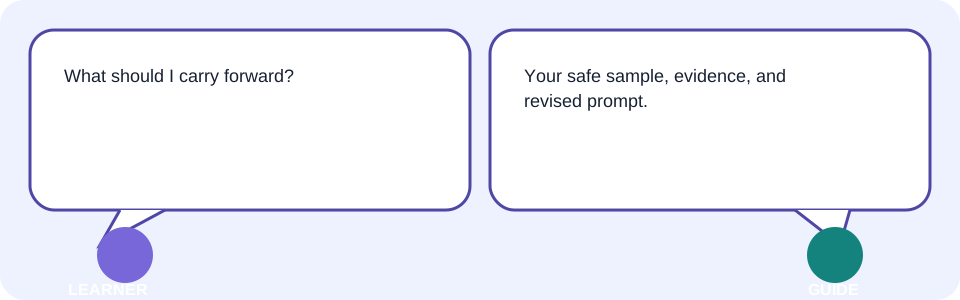
Next is Topic 02—Build Strong Prompts. Open its page when you are ready, and keep today’s safe Tool Choice Card: the next lesson will strengthen its audience, output, context, and limits.
- Reopen your named artifact and reusable prompt.
- Keep the fictional shop sample available.
- Write one question about a weak prompt for the next session.
18 Knowledge check—submit before feedback
Pick an answer for each question, then press Check answer. (Notes are disabled in this tab.)
1. Which statement best defines AI?
2. Which mechanism best computes a declared 10% discount on ₹800?
3. Predict what should happen when a poster draft invents an 1842 award.
4. Which input is safe for the first practice?
5. Results keep disagreeing and there is no cited source. What next?
19 Exercises—attempt before reveal
Try answering each question yourself before expanding the model answer.
1. Modify: Change the shop poster audience to school administrators or change its word limit. Record what changed. Reveal after attempting.
2. Extend: Add a second fictional input or a five-line verification checklist. Reveal after attempting.
3. Apply: Use the choice method on one real, non-sensitive personal task. Reveal after attempting.
4. Optional: Teach the workflow to someone and capture their question—not their personal data. Reveal after attempting.
20 Quick-review cards
Click a card to reveal the back.
Rule or learned pattern?
Generative AI
Hallucination
Right-tool test
Ready state
21 Facilitator and interview Q&A
1. Explain AI simply without calling it a person.
2. Demonstrate the shopping workflow.
3. Diagnose a fluent but weak poster.
4. Identify a privacy and accuracy risk.
5. Adapt the explanation for a child or senior learner.
22 Glossary
- AI
- Simple: software that does tasks that can seem intelligent. Technical: computational systems performing tasks such as learned pattern inference. Page: /Tutorials/ai-for-everyone-01-what-ai-is-and-is-not
- generative AI
- Simple: AI that creates a new draft. Technical: a model generating likely next pieces conditioned on input. Page: /Tutorials/ai-for-everyone-01-what-ai-is-and-is-not
- model
- Simple: the pattern system a tool uses. Technical: a parameterised mathematical system fitted or configured to map inputs to outputs. Page: /Tutorials/ai-for-everyone-01-what-ai-is-and-is-not
- prompt
- Simple: what you ask or provide. Technical: instructions and input supplied to condition a model response. Page: /Tutorials/ai-for-everyone-01-what-ai-is-and-is-not
- context
- Simple: information available for this response. Technical: instructions and content within the model’s usable input window. Page: /Tutorials/ai-for-everyone-01-what-ai-is-and-is-not
- hallucination
- Simple: a believable-looking invention or mistake. Technical: generated content that is false or unsupported by reliable evidence. Page: /Tutorials/ai-for-everyone-01-what-ai-is-and-is-not
- credits
- Simple: a provider’s usage allowance or units. Technical: provider-defined metering units that may govern messages, tokens, media, or compute. Page: /Tutorials/ai-for-everyone-01-what-ai-is-and-is-not