
Build Strong Prompts
Build Strong Prompts
1 Course position and tonight’s promise
Day 2 builds on your Day 1 safety card. In 60 minutes, you will turn a vague weekly status-update request into a reusable prompt template with clearly marked blanks, a checked sample output, and one recorded revision.
2 What you will learn and why it matters
- Predict why a vague request produces uneven results.
- Build with Role–Task–Context–Format and the eight prompt parts.
- Tell system, user, and assistant messages apart.
- Use examples, constraints, tone, audience, and safe file/image context.
- Compare the same safe request across tools and verify before keeping it.
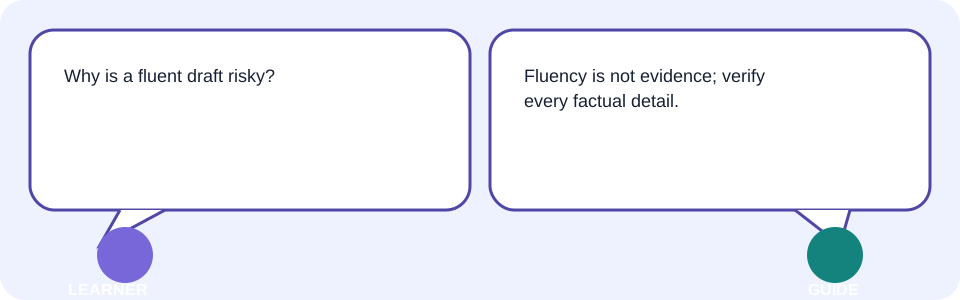
A stronger prompt does not make a tool truthful. It makes the requested draft and the checks easier to see, improve, and reuse.
3 A familiar real-world situation: predict before you prompt
Fictional sample values: Asha coordinates a volunteer club. She types, “Write my weekly update.” Before reading any output, predict what is missing: audience, confirmed facts, tone, length, headings, and a rule against inventing achievements.
| Vague request | Likely result | Predict before running |
|---|---|---|
| Write my weekly update. | Generic wording, guessed details, or the wrong length. | Which facts and format could the tool not know? |
| Write a 90-word update for volunteers using supplied facts only. | A reviewable draft with a stated boundary. | Which claim still needs a source check? |
4 Simple explanation, then accurate vocabulary
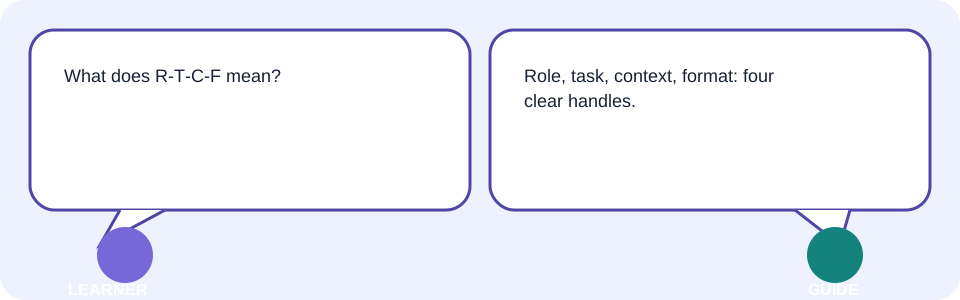
A prompt is a set of instructions and inputs. A role describes the perspective or job for the response; a task states what to do; context supplies relevant facts; and format says how the result should be arranged. These are useful handles, not magic words.
| Term | Plain meaning | Accurate meaning |
|---|---|---|
| role | The job or viewpoint requested. | An instruction that frames the response’s perspective, priorities, or expertise. |
| task | The work you want done. | The requested transformation or outcome the model should attempt. |
| context | Useful background for this request. | Relevant instructions, facts, and supplied material available to shape a response. |
| format | The shape of the answer. | Constraints on output structure, such as headings, bullets, fields, length, or file type. |
5 Why vague requests fail
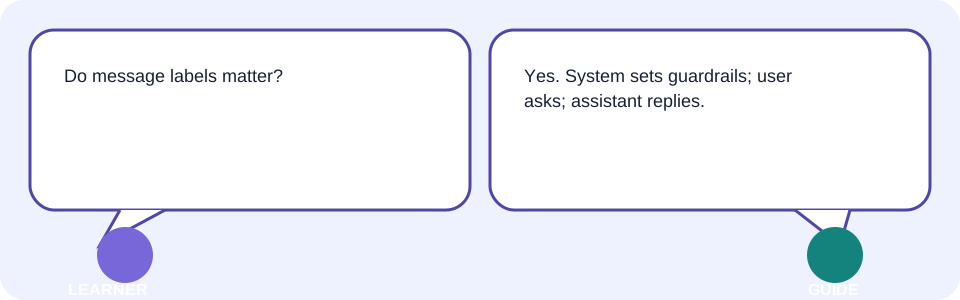
Vague requests force a tool to fill gaps. It may choose a different audience, assume facts, produce an unusable length, or sound confident about an invented detail. That is a specification problem before it is a writing problem.
| Missing detail | What may vary | Safe improvement |
|---|---|---|
| Audience | Formal or casual wording | Name the reader. |
| Facts | Guessed wins, dates, or numbers | Supply approved facts only. |
| Format | Paragraph, email, or bullets | State headings, length, and fields. |
| Limits | Extra claims or advice | Say what to exclude and what to verify. |
6 Role–Task–Context–Format formula
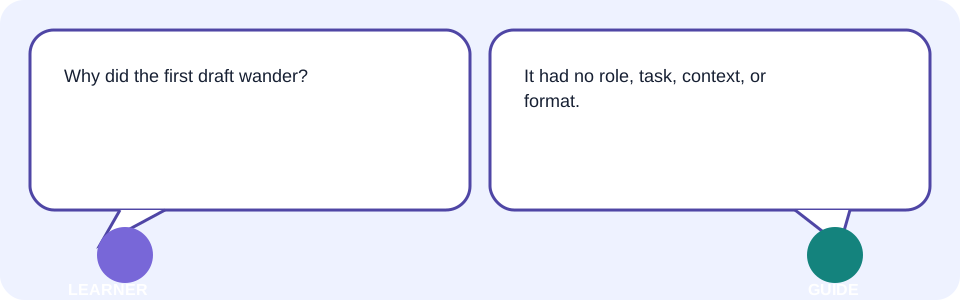
Use R–T–C–F as a quick builder: Role = “helpful communications editor”; Task = “draft a weekly status update”; Context = the approved fictional facts below; Format = “four headings, 90 words, plain English.” It is a starting structure, not a promise of accuracy.
Role: Act as a [ROLE] for [AUDIENCE].
Task: Draft a [ARTIFACT] that helps the reader [PURPOSE].
Context: Use only these approved facts: [FACTS / SOURCE NOTES].
Format: Return [HEADINGS / BULLETS / LENGTH / FILE TYPE].
Constraints: Do not invent facts. Mark missing information as [NEEDS CONFIRMATION].
Verification: List factual claims for me to check before I send it.7 System, user, and assistant messages
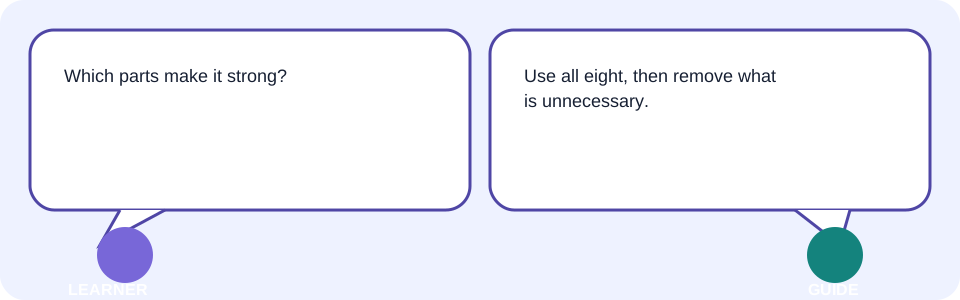
A system message is a higher-level instruction that may set behavior or safety boundaries. A user message is the request and supplied input. An assistant message is the tool’s response. Interfaces differ, and a user cannot assume they can view or override every system instruction.
| Message | Plain-language job | What to do |
|---|---|---|
| system message | Sets broad guardrails for the tool. | Do not rely on unseen settings; read visible product guidance. |
| user message | Carries your request and safe context. | State the task, facts, format, and limits. |
| assistant message | Shows a generated draft or reply. | Review it against sources and your requested format. |
8 Eight parts of a strong prompt
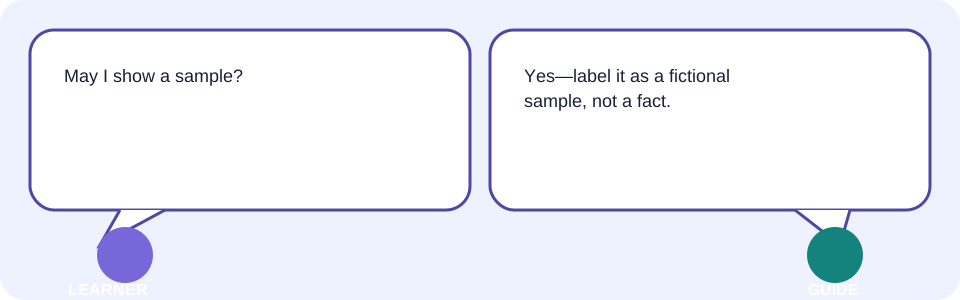
For work that matters, expand R–T–C–F into eight visible parts. Not every tiny request needs every part, but each part gives you a place to diagnose a weak result.
| Part | Question to answer |
|---|---|
| 1. Role | What helpful perspective is requested? |
| 2. Task | What exact outcome is needed? |
| 3. Audience | Who will read or use it? |
| 4. Context | Which approved facts, examples, files, or images matter? |
| 5. Format | What structure, length, and labels are required? |
| 6. Constraints | What must the draft avoid or preserve? |
| 7. Tone | How should it sound to this audience? |
| 8. Verification | What will a human compare with a source or checklist? |
9 Examples, constraints, tone, and audience
A short example can demonstrate layout or voice, but clearly label it as sample text. A constraint is a boundary: “use supplied facts only,” “maximum 90 words,” or “do not give medical, legal, or financial advice.” Tone describes how it should sound; audience describes who needs to understand it.
| Change | Before | After |
|---|---|---|
| Audience | For everyone | For volunteer club members who missed the meeting |
| Tone | Make it nice | Warm, direct, and non-technical |
| Constraint | Mention success | Use only the three approved updates; do not invent results |
| Example | Write headings | Use this sample layout: Progress / Next week / Help needed |
10 File and image context
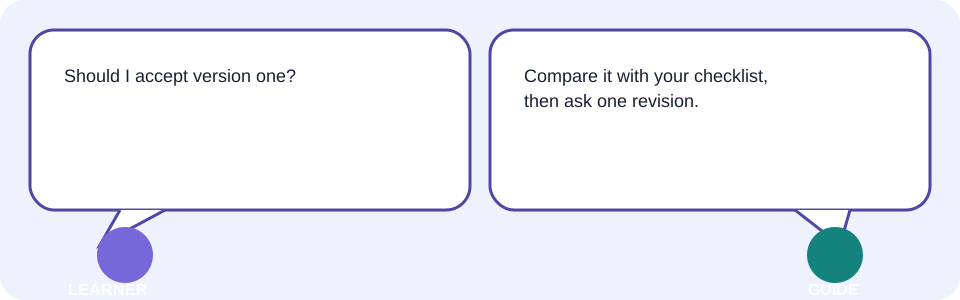
A file or image can add context, but it can also contain private data, misleading labels, or text the tool reads incorrectly. Use the minimum safe excerpt, describe what you want checked, and compare the result with the original yourself.
- Check permission and remove names, IDs, account details, hidden comments, and confidential material.
- Use a fictional sample or type the necessary facts when upload is not appropriate.
- Tell the tool what the file or image represents and what it must not infer.
- Verify extracted text, dates, totals, captions, and visual claims against the original.
11 Iterative follow-up prompts
A first draft is a checkpoint, not a finish line. Compare it with the requested facts and format, name one visible mismatch, and ask for a focused revision. Keep the original facts available; a follow-up can otherwise drift from what you approved.
| Review finding | Focused follow-up |
|---|---|
| Too long | Keep the same approved facts. Reduce to 90 words and retain four headings. |
| Audience missed | Rewrite for volunteers who missed the meeting; keep the friendly tone. |
| Unsupported claim | Remove the claimed award. Use only supplied facts and mark any missing detail [NEEDS CONFIRMATION]. |
| Wrong layout | Return a table with Status, Evidence to check, and Next action. |
12 Cross-tool comparison
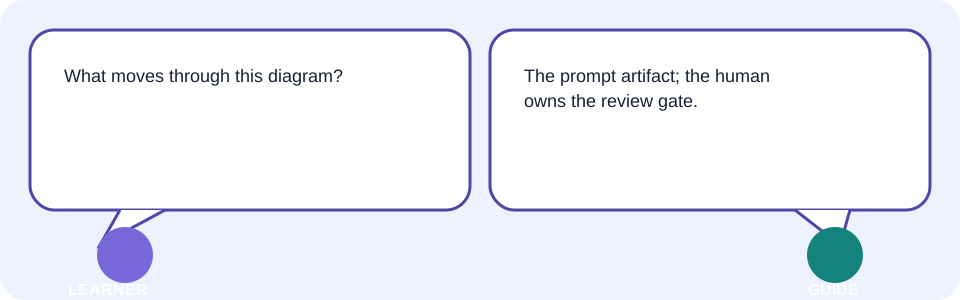
Different tools may follow the same request differently because of their design, settings, available context, and safety rules. Compare safe, non-sensitive outputs using the same prompt and a human checklist; do not assume the longest or most fluent answer is best.
| Compare | Evidence to record |
|---|---|
| Instruction following | Audience, headings, length, and constraints met. |
| Accuracy | Every factual claim checked against your source. |
| Safety | No extra private data requested or exposed. |
| Usability | Output can be edited, exported, and explained. |
| Limits | Visible watermark, export, access, or retention terms checked in official guidance. |
13 Interactive process model: build, inspect, revise
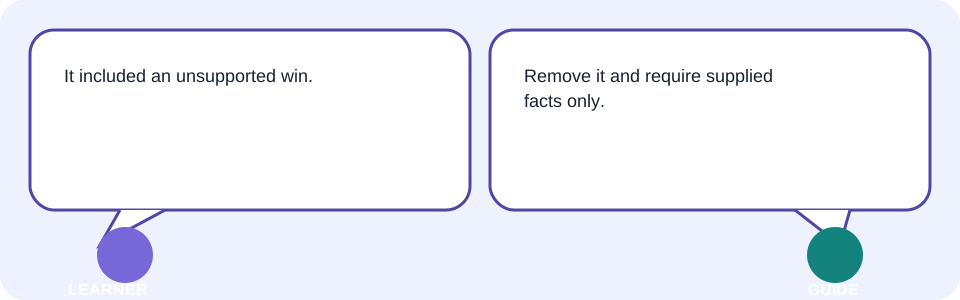
The moving card represents your reusable prompt template; the model-response card represents a tool’s draft; the review gate is your human check; and the final card is the saved portfolio artifact. Simplification: real tools also use internal instructions and technical processing that this picture does not show.
| Static before | Static after |
|---|---|
| Write my weekly update. | Draft a 90-word weekly update for volunteer club members using only the three approved fictional facts. Use Progress / Next week / Help needed / Check before sending. Do not invent results. |
14 Facilitator-led live demonstration: show one realistic failure
Start with the vague sample request. Read the output against the known facts and point to the failure: it claims a record attendance figure that was never supplied. Do not explain private reasoning; narrate visible decisions: missing facts, unsupported claim, and unclear format.
- Choose New chat or its current equivalent and use fictional club facts.
- Run the vague request and underline missing/assumed details.
- Revise with R–T–C–F plus audience, tone, constraints, and verification list.
- Compare before/after against the approved facts and requested four headings.
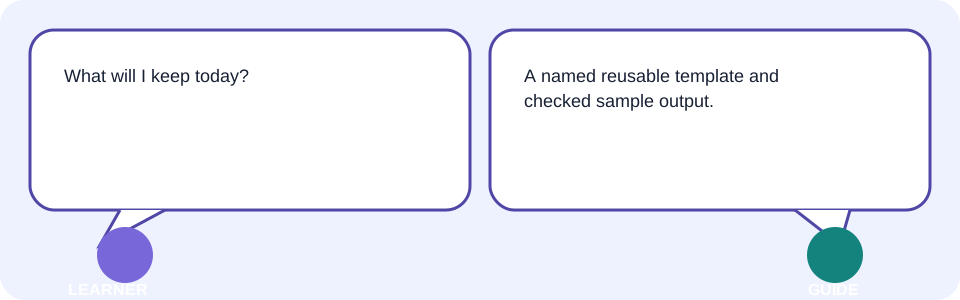
- Export or save the template with a meaningful name; reopen it.
15 Your reusable prompt template: before and after evidence
| Before: vague | After: reusable |
|---|---|
| Write my weekly update. | Role: helpful club communications editor. Task: draft a weekly update. Audience: volunteers who missed the meeting. Context: use only [FICTIONAL FACT 1], [FICTIONAL FACT 2], [FICTIONAL FACT 3]. Format: four labelled headings, 90 words maximum. Tone: warm and direct. Constraints: no invented achievements or personal data. Verification: list facts I must confirm. |
Save the after version as “Day 2 — Weekly Update Prompt Template.” Keep the bracketed blanks so you can safely reuse it for another approved task.
16 Learner lab: build your own safe prompt artifact
- Prepare non-sensitive, approved facts or use the fictional club sample.
- Predict what a vague request would omit.
- Run one first attempt; do not treat it as final.
- Build with R–T–C–F and add audience, tone, constraints, and verification.
- Check every factual detail against your source and compare the requested format.
- Revise one mismatch, export/save, reopen, and add a one-line reflection.
| Checkpoint | Evidence to show |
|---|---|
| Safe input | Fictional, redacted, or minimum approved facts. |
| Complete prompt | Audience, output, limits, and verification are stated. |
| Format | Manual comparison with the requested structure and length. |
| Accuracy | Each factual detail checked independently. |
| Revision | Before/after and one sentence explaining why. |
| Saved work | Named artifact reopens correctly. |
17 Behind the scenes, limitations, safety, and verification
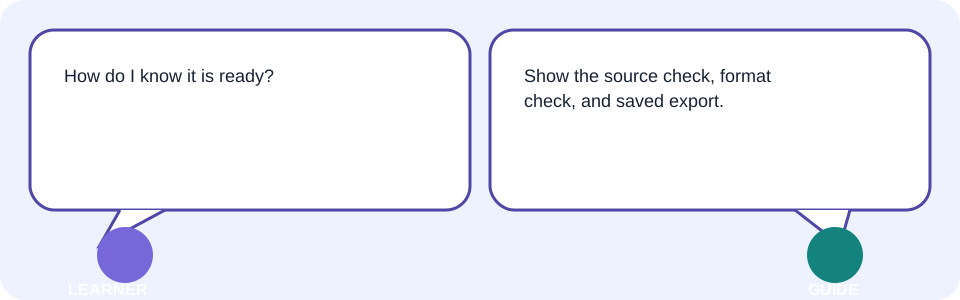
- The prompt card represents instructions and permitted context, not every hidden setting in a product.
- The model response is generated wording; it is not a source or proof.
- The verification gate represents your check of facts, links, calculations, permissions, format, and provider terms.
- The exported artifact proves you saved a version, not that it is correct or approved.
18 Common confusion, errors, troubleshooting, and best practices
| Symptom | Likely cause | Safe fix |
|---|---|---|
| Fluent output is wrong | Style mistaken for evidence | Stop and check each claim against an authoritative source. |
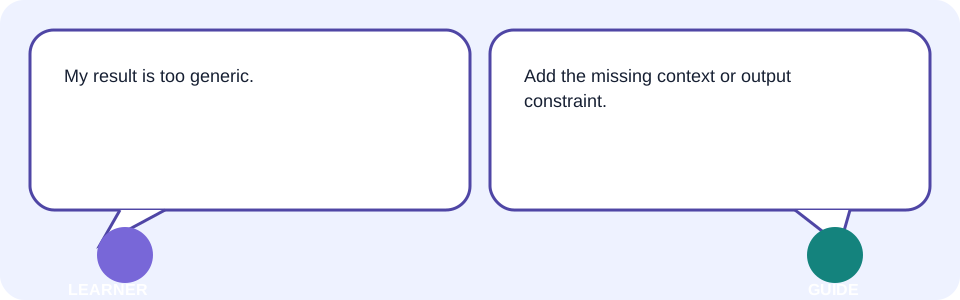
| Result is generic | Too little context or no audience | Add approved facts, audience, purpose, and format. |
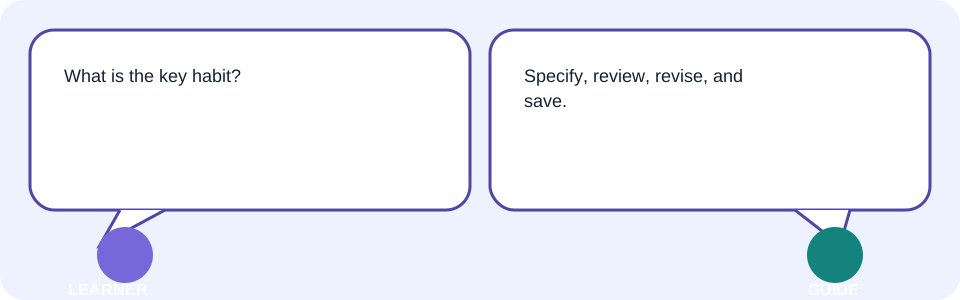
| First draft is almost right | No review step | Name the precise mismatch and make a focused revision. |
| Private data appears | Sensitive material was shared | Stop sharing; follow provider/organisation guidance; replace with a safe sample. |
| Feature is unavailable or watermarked | Plan, credit, export, or rights limit | Check official terms; choose a permitted alternative rather than bypassing it. |
| Work is lost | Relied on chat history | Export a named file and reopen it. |
| Tools disagree | No source-based comparison | Stop blind retries; compare with a source or manual check. |
- Best practice: write a clear outcome before naming a tool.
- Best practice: preserve approved facts separately from draft language.
- Trainer tip: ask, “Which visible prompt part or source changed this decision?”
19 Takeaways
- Vague requests leave the tool to fill important gaps.
- R–T–C–F and the eight parts make a prompt easier to inspect and reuse.
- System, user, and assistant messages have different roles; the assistant reply still needs review.
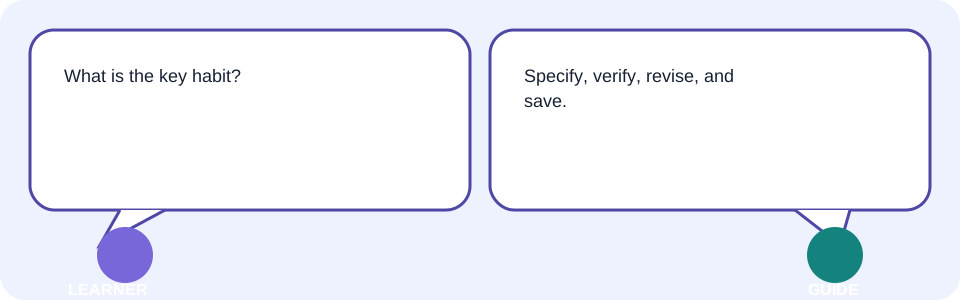
- Use minimum safe context, verify facts, and make focused revisions.
- Keep a named template, checked sample output, source/checklist, and reflection in your portfolio.
Your Day 2 artifact is complete when you can reopen it and explain one prompt part you added, one fact you checked, and one revision you made.
20 What comes next
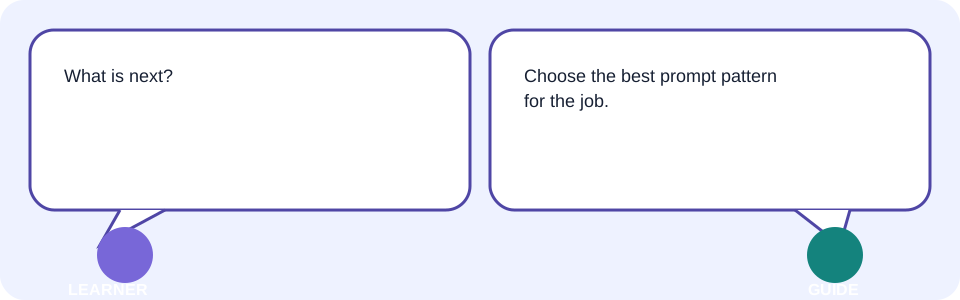
Next is Topic 03—Choose the Right Prompt Pattern. Keep your Day 2 template: you will compare patterns for tasks such as summarising, brainstorming, transforming, and checking without losing your safety and verification steps.
- Reopen your named template.
- Keep a fictional sample and its source/checklist.
- Write down one prompt situation that still feels unclear.
19 Knowledge check—submit before feedback
Pick an answer for each question, then press Check answer. (Notes are disabled in this tab.)
1. Which addition most directly makes “Write my weekly update” reviewable?
2. What is the safest response to an invented achievement in a draft?
3. Which is an example of format?
4. What should happen before uploading a file for context?
5. Two tools give different fluent drafts. What is the best next step?
20 Exercises—attempt before reveal
Try answering each question yourself before expanding the model answer.
1. Modify: Change the audience or one constraint in your template. Record what changed. Reveal after attempting.
2. Extend: Add a five-line verification checklist or a second safe input. Reveal after attempting.
3. Apply: Use the method on one real, non-sensitive personal task. Reveal after attempting.
4. Optional challenge: Teach the workflow to someone else and capture their question—not their personal data. Reveal after attempting.
21 Quick-review cards
Click a card to reveal the back.
R–T–C–F
Constraint
System message
Assistant message
Strong prompt test
22 Facilitator and interview Q&A
1. Explain a strong prompt simply.
2. Demonstrate the weekly-update workflow.
3. Diagnose a weak result.
4. Identify a privacy or accuracy risk.
5. Adapt the template for another audience.
23 Glossary
- role
- Simple: the job or viewpoint requested. Technical: an instruction framing a response’s perspective or priorities. Page: /Tutorials/ai-for-everyone-02-build-strong-prompts
- task
- Simple: the work you want done. Technical: the requested transformation or outcome for a model response. Page: /Tutorials/ai-for-everyone-02-build-strong-prompts
- context
- Simple: useful background for the request. Technical: relevant instructions and material available to condition a response. Page: /Tutorials/ai-for-everyone-02-build-strong-prompts
- format
- Simple: the shape of the answer. Technical: output-structure constraints such as headings, fields, length, or file type. Page: /Tutorials/ai-for-everyone-02-build-strong-prompts
- system message
- Simple: a tool’s broad instruction. Technical: a higher-priority instruction that may set behavior or safety boundaries. Page: /Tutorials/ai-for-everyone-02-build-strong-prompts
- user message
- Simple: what you ask and provide. Technical: instructions and input supplied by the person using the tool. Page: /Tutorials/ai-for-everyone-02-build-strong-prompts
- assistant message
- Simple: the tool’s reply. Technical: generated output presented in response to the current conversation/context. Page: /Tutorials/ai-for-everyone-02-build-strong-prompts
- constraint
- Simple: a boundary for the result. Technical: an explicit limit or requirement on content, format, scope, or behavior. Page: /Tutorials/ai-for-everyone-02-build-strong-prompts