
Choose the Right Prompt Pattern
Choose the Right Prompt Pattern
1 Course position and tonight’s promise
Day 3 completes Module 1. Tonight you will diagnose ten fictional failed requests, select the prompt pattern that fixes each one, verify the revised request, and save a named Pattern Selector Card for your challenge portfolio.
2 What you will learn and why it matters
- Distinguish zero-shot, few-shot, persona, grounded, chained, self-critique, and multimodal prompts.
- Ask for short, verifiable working instead of hidden reasoning.
- Select a pattern for a visible failure symptom.
- Keep inputs safe and compare claims with sources and requested format.
- Complete the Module 1 assessment with direct remediation links.
A prompt pattern is a reusable structure. It can improve clarity and consistency, but it cannot make a model truthful or make unsafe data safe.
3 A familiar situation: diagnose before you choose
Fictional sample values: Ravi has ten failed requests for a community notice, homework planner, club poster, and photo caption. Each failure has a different symptom. Predict the pattern before revealing it; do not use real names, student records, or client files.
| Failure symptom | Predict the missing pattern |
|---|---|
| The notice ignores the supplied meeting date. | Grounded prompt |
| The planner layout changes each time. | Format and negative constraints |
| The poster tone is too formal for children. | Persona prompt |
| The photo caption guesses who is shown. | Multimodal prompt with a no-inference boundary |
4 Simple explanation, then accurate vocabulary
A prompt pattern is a repeatable request structure for a particular task. Zero-shot gives instructions without examples; few-shot adds a small set of labelled examples. A persona prompt names a useful role and audience. A grounded prompt limits the response to supplied, inspectable material.
| Term | Plain meaning | Accurate meaning |
|---|---|---|
| zero-shot | Ask without showing an example. | An instruction completed from the current request without in-prompt demonstrations. |
| few-shot | Show a few examples first. | An instruction accompanied by example input/output pairs to demonstrate a desired mapping or format. |
| persona prompt | Ask from a stated helpful role. | A framing instruction that sets perspective, audience, tone, or priorities; it does not create real credentials. |
| grounded prompt | Ask from provided evidence. | A request constrained to supplied source material, with unsupported gaps marked or declined. |
5 Zero-shot and few-shot prompting
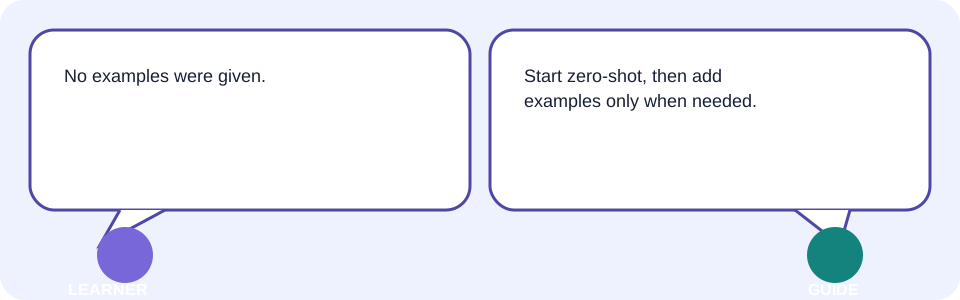
Use zero-shot when the task is simple and the format is clear: “Turn these three approved facts into two bullets.” Use few-shot when a short, safe example shows a style or classification rule that words alone leave ambiguous. Examples must be accurate, labelled, and small enough to inspect.
| Failure | Pattern | Before → after |
|---|---|---|
| Labels vary | Few-shot | “Classify requests” → show two fictional labelled examples, then ask for the third. |
| Simple rewrite | Zero-shot | “Rewrite this approved sentence in plain English, 20 words maximum.” |
| Example contains a mistake | Do not copy it | Correct the example or use explicit rules and source checks. |
6 Persona prompts
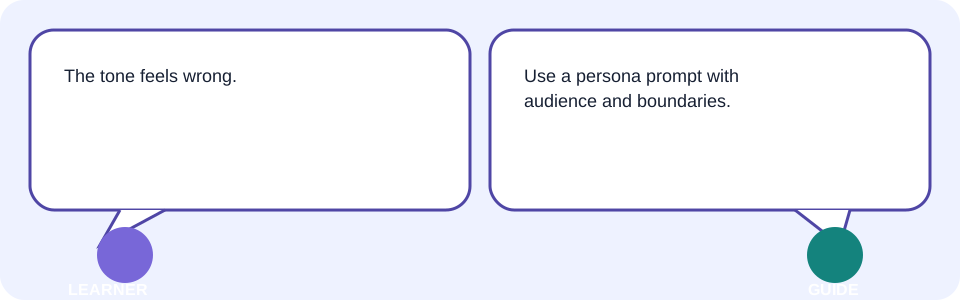
A persona prompt gives a practical viewpoint, not a fictional identity to impersonate. Say “Act as a clear communications editor for volunteer families,” then give the audience, task, approved facts, format, and limits. Never claim professional qualification or use it as medical, legal, or financial advice.
Role: Act as a [HELPFUL ROLE] for [AUDIENCE].
Task: Create [ARTIFACT] from the approved facts below.
Context: [SAFE FACTS / SOURCE NOTES].
Format: [STRUCTURE AND LENGTH].
Constraints: Do not invent credentials, facts, or advice.
Verification: Mark claims I must check.
7 Step-by-step and verifiable working
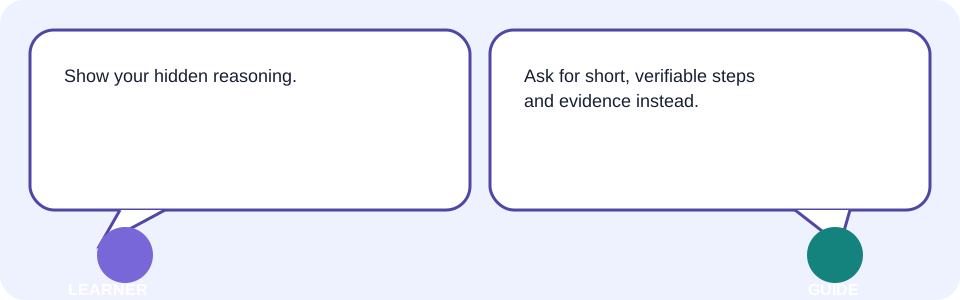
Do not request private reasoning or hidden chain-of-thought. Instead, ask for concise, verifiable working: a short plan, visible assumptions, calculations you can reproduce, source quotes or links you can inspect, and a checklist of claims to confirm.
| Unsafe or unhelpful request | Better request |
|---|---|
| Show every hidden thought. | Give a short numbered plan, stated assumptions, and sources or calculations I can check. |
| Solve it somehow. | List the supplied facts used, show the formula, and flag missing information. |
8 Grounded prompts
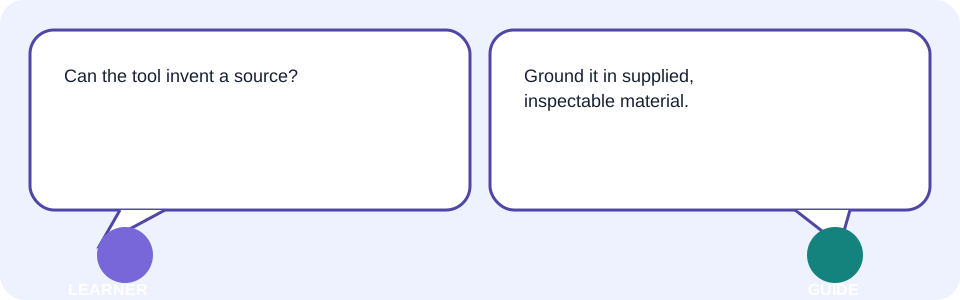
A grounded prompt clearly separates source material from the requested output. It says what may be used, what to do when the source is silent, and how to mark uncertainty. It is useful for a community notice where date, venue, and contact method must come from supplied approved notes.
Use only the approved fictional source notes below.
Create a 70-word notice for [AUDIENCE].
Include date, venue, and contact only when present in the notes.
If a required detail is absent, write [NEEDS CONFIRMATION].
Return a claim-to-source checklist for human review.
9 Format and negative constraints
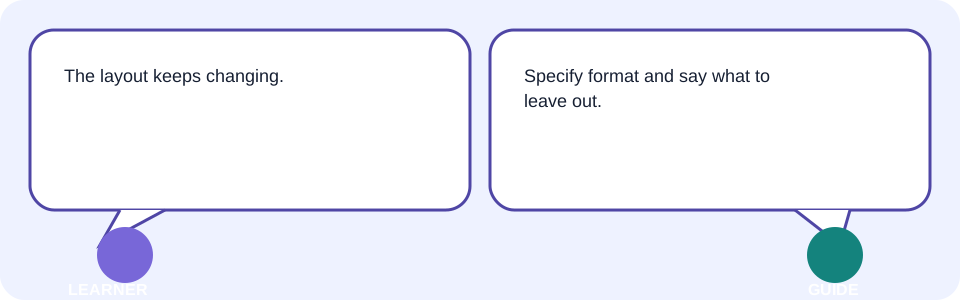
Format makes the output testable: headings, fields, length, table columns, or file type. Negative constraints state exclusions: do not invent achievements, do not name people in a photo, do not give advice, and do not use private data. Explain the permitted alternative when a constraint blocks an action.
| Symptom | Constraint or format fix |
|---|---|
| Unusable wall of text | Return three labelled bullets, 18 words each. |
| Invented award | Use supplied facts only; mark gaps [NEEDS CONFIRMATION]. |
| Sensitive upload request | Use fictional sample data; do not upload private records. |
| Caption guesses identity | Describe visible objects only; do not identify people. |
10 Prompt chaining
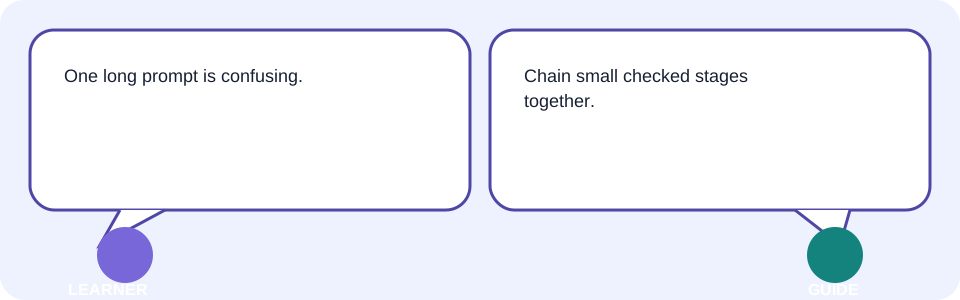
Prompt chaining breaks a complex job into small, reviewable stages. For a club notice: extract approved facts → draft headings → write the notice → check claims → export. Review each stage before passing its output onward, or an early mistake can spread.
| Stage | Human checkpoint |
|---|---|
| 1. Extract facts | Compare every date, name, and number with source notes. |
| 2. Select pattern | Choose grounded, persona, or format support from the symptom. |
| 3. Draft | Check audience, tone, headings, and length. |
| 4. Verify | Mark unsupported claims or privacy issues blocked. |
| 5. Save | Export the named prompt, result, and reflection. |
11 Self-critique
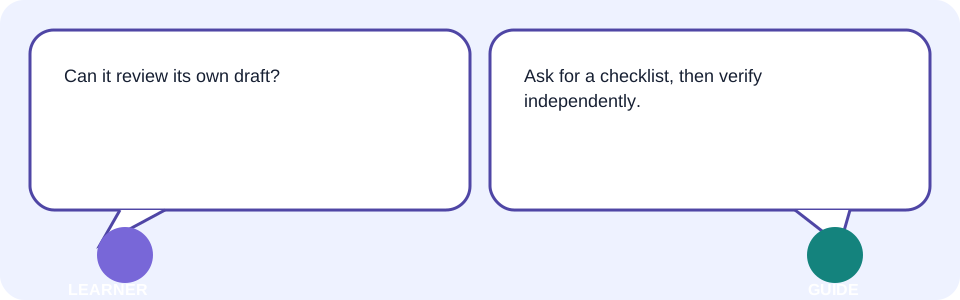
Self-critique asks the tool to compare its draft with a supplied checklist. It can reveal missing headings or an over-length response, but it is not independent verification. You still compare factual claims with sources and make the final decision.
Check this draft against the checklist: [AUDIENCE, FORMAT, LENGTH, APPROVED FACTS, CONSTRAINTS].
Return a two-column table: issue found / exact revision needed.
Do not claim a fact is verified unless it appears in the supplied source notes.
Then wait for my approval before rewriting.
12 Multimodal prompts
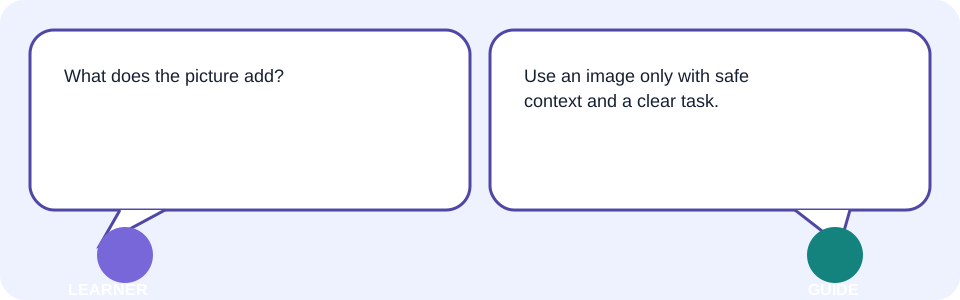
A multimodal prompt combines more than one input type, such as text and an image. Give the image’s purpose, your task, and limits on inference. For the fictional poster photo, ask for a caption describing visible objects only; do not infer identities, locations, health, or private facts.
| Input | Safe request | Human check |
|---|---|---|
| Fictional poster image + text | Describe visible colours and objects in one caption; do not identify people. | Compare caption with the image. |
| Permitted document excerpt + text | Extract stated date and venue only; quote the lines used. | Compare extracted fields with original. |
| Sensitive school record | Do not upload. Use invented sample rows. | Keep private data outside the tool. |
13 Interactive process model: select, test, verify
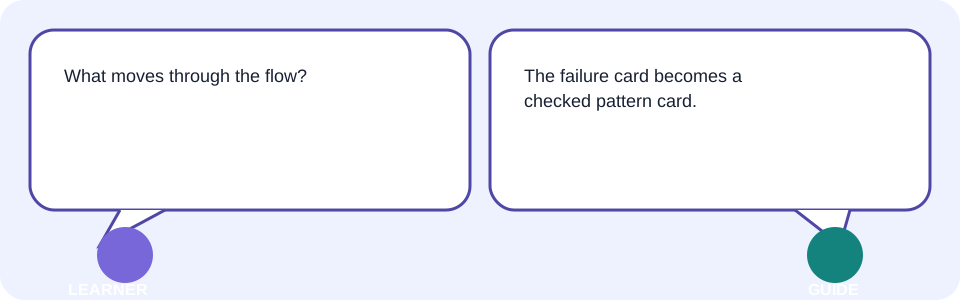
The failure card is the learner’s fictional request; the selector is the pattern decision; the improved-prompt card is the actual instruction; the response card is the tool operation; the gate is human safety, source, and format review; the last card is the saved Pattern Selector Card. This simplified picture does not expose hidden provider instructions or private reasoning.
| Static before | Static after |
|---|---|
| Write a notice about our meeting. | Use only these approved fictional notes. Draft a 70-word notice for volunteers. If date or venue is absent, write [NEEDS CONFIRMATION]. Return a claim-to-source checklist. |
14 Facilitator-led live demonstration: one pattern mismatch
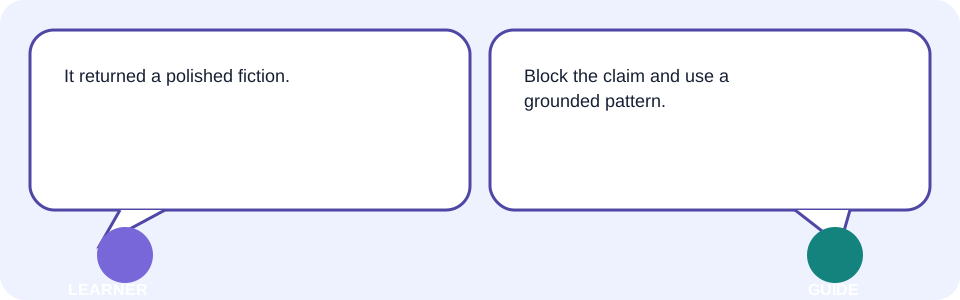
Start with the fictional notice that invents a meeting date. Intentionally choose few-shot because examples feel helpful. Show why that is a mismatch: examples can demonstrate layout, but they cannot supply an absent date. Diagnose the visible evidence gap and switch to the grounded pattern.
- Use New chat or the current equivalent with fictional source notes.
- Run the mismatched few-shot request and identify the unsupported date.
- Replace it with the grounded notice pattern and [NEEDS CONFIRMATION].
- Compare every visible claim, heading, and word count against the notes.
- Save the before/after and state why the selected pattern changed.
15 Your Pattern Selector Card: ten failed requests
| Fictional failure | Best first pattern |
|---|---|
| No example of desired classification | Few-shot |
| Simple approved rewrite | Zero-shot |
| Wrong tone for audience | Persona prompt |
| Missing source support | Grounded prompt |
| Layout varies | Format and negative constraints |
| Complex task loses details | Prompt chaining |
| Draft misses its checklist | Self-critique plus human verification |
| Image caption guesses identity | Multimodal with no-inference constraint |
| Private file is requested | Block; use safe sample/no-upload route |
| Fluent claim has no evidence | Grounded prompt and manual source check |
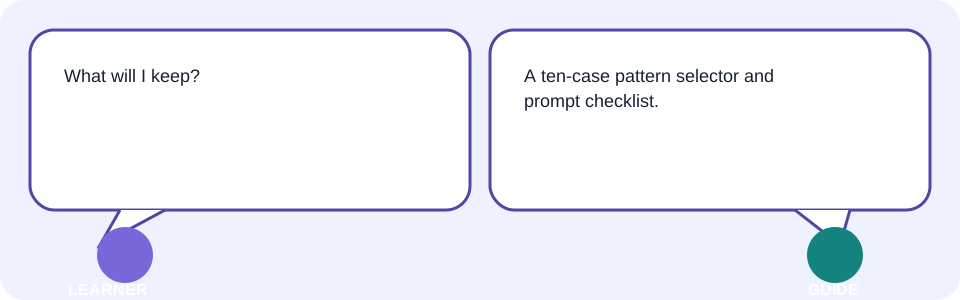
Save this as “Day 3 — Pattern Selector Card.” For each of your ten rows, keep the symptom, selected pattern, revised prompt, verification evidence, and one-line reflection.
16 Learner lab: build your own safe pattern selector
- Prepare ten fictional failed requests or use the provided Pattern Selector Card.
- Predict the failure category before looking up a pattern.
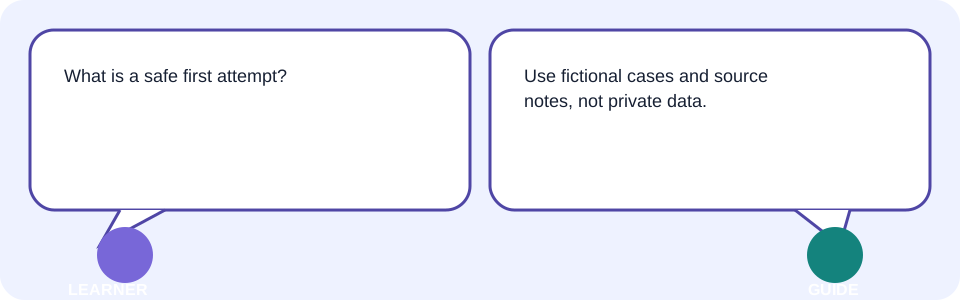
- Run one safe first attempt with approved facts only.
- Select and apply a pattern; state audience, output, limits, and verification.
- Check facts, links, extracted data, and requested format manually.
- Revise one mismatch, export/save, reopen, and add a one-line reflection.
| Checkpoint | Evidence to show |
|---|---|
| Safe inputs | Fictional, redacted, or minimum approved context. |
| Pattern decision | Symptom and selected pattern are named. |
| Clear request | Audience, output, limits, and review are stated. |
| Verification | Claims checked against a source or manual method. |
| Revision | Before/after and visible reason. |
| Saved artifact | Named selector card reopens correctly. |
17 Behind the scenes, limitations, safety, and verification
- A pattern is an instruction structure, not a model capability guarantee.
- Few-shot examples can introduce bias or mistakes; verify them before reuse.
- A persona does not create qualifications, current knowledge, or authority.
- Grounding is only as complete and accurate as the supplied source.
- Self-critique is generated review, not independent fact-checking.
- Images and files may carry personal, confidential, or misleading information.
18 Common confusion, errors, troubleshooting, and best practices
| Symptom | Likely cause | Safe fix |
|---|---|---|
| Fluent draft is wrong | Pattern mistaken for evidence | Stop and compare each claim with an authoritative source. |
| Few-shot output copies a bad example | Example was inaccurate or over-weighted | Correct/remove the example; use an explicit rule and source check. |
| Tone is wrong | Persona/audience is absent | Name the audience, role, tone, and format. |
| Result has invented details | No grounding or negative constraint | Use approved source notes only; mark gaps. |
| Complex task drifts | One oversized prompt | Split into chained stages with checkpoints. |
| Private content is requested | Unsafe file/image context | Block it; use fictional or redacted sample data. |
| Tool feature is limited/watermarked | Plan or rights limit | Check official terms; choose a permitted alternative. |
| Work disappears | No export | Save a named artifact and reopen it. |
- Best practice: choose the smallest pattern that solves the visible problem.
- Best practice: keep source notes and draft language separate.
- Trainer tip: ask “What evidence proves this pattern fixed the stated symptom?”
19 Takeaways
- Choose a prompt pattern from the visible failure symptom.
- Zero-shot and few-shot solve different clarity needs; examples must be accurate.
- Persona, format, grounding, chaining, self-critique, and multimodal inputs each need limits and human review.
- Never use a pattern as proof; verify facts and protect sensitive data.
- Keep the ten-case Pattern Selector Card, revised prompts, evidence checklist, and reflection.
Module 1 is complete when you can explain why a pattern fit a failure, what evidence you checked, and what you revised.
20 What comes next
Next is Topic 04—Design Invitations, Greetings, and Restored Photos. You will use the Pattern Selector Card to choose safe, respectful prompts for a real creative artifact while checking permissions, watermarking, and commercial rights in current official terms.
- Reopen your Pattern Selector Card.
- Keep fictional source notes ready for practice.
- Write one safe creative task and the pattern you predict it needs.
19 Knowledge check—submit before feedback
Pick an answer for each question, then press Check answer. (Notes are disabled in this tab.)
1. When is few-shot prompting most useful?
2. A notice invents a meeting date. Which pattern addresses the core failure?
3. What should replace a request for hidden reasoning?
4. What is safest for a photo caption with unknown people?
5. A long task keeps losing details. What is the best first adjustment?
20 Exercises—attempt before reveal
Try answering each question yourself before expanding the model answer.
1. Modify: Change audience or one negative constraint in a selected pattern. Record what changed. Reveal after attempting.
2. Extend: Add a source checklist or second safe input to one pattern. Reveal after attempting.
3. Apply: Use the selector on one real, non-sensitive task. Reveal after attempting.
4. Optional challenge: Teach the selector to someone and capture their question—not personal data. Reveal after attempting.
21 Quick-review cards
Click a card to reveal the back.
Zero-shot
Few-shot
Grounded prompt
Prompt chaining
Self-critique
22 Facilitator and interview Q&A
1. Explain prompt patterns simply.
2. Demonstrate the ten-case workflow.
3. Diagnose a weak grounded result.
4. Identify a privacy and accuracy risk.
5. Adapt a pattern for another audience.
23 Glossary
- zero-shot
- Simple: ask without showing an example. Technical: instruction completion without in-prompt demonstrations. Page: /Tutorials/ai-for-everyone-03-choose-the-right-prompt-pattern
- few-shot
- Simple: show a few examples first. Technical: instruction with example input/output pairs demonstrating a desired mapping or format. Page: /Tutorials/ai-for-everyone-03-choose-the-right-prompt-pattern
- persona prompt
- Simple: ask from a stated helpful role. Technical: framing instruction that sets perspective, audience, tone, or priorities without creating credentials. Page: /Tutorials/ai-for-everyone-03-choose-the-right-prompt-pattern
- grounded prompt
- Simple: ask from supplied evidence. Technical: response constrained to inspectable source material, with unsupported gaps marked or declined. Page: /Tutorials/ai-for-everyone-03-choose-the-right-prompt-pattern
- prompt chaining
- Simple: split work into checked steps. Technical: sequential prompts whose intermediate outputs are reviewed before the next stage. Page: /Tutorials/ai-for-everyone-03-choose-the-right-prompt-pattern
- self-critique
- Simple: ask for a checklist review. Technical: generated comparison of output against criteria; it is not independent verification. Page: /Tutorials/ai-for-everyone-03-choose-the-right-prompt-pattern
- multimodal
- Simple: use more than one input type. Technical: a request combining modalities such as text, image, audio, or document content. Page: /Tutorials/ai-for-everyone-03-choose-the-right-prompt-pattern
24 Module 1 assessment—Safe AI Foundations
Pick an answer for each question, then press Check answer. (Notes are disabled in this tab.)
1. When is few-shot prompting most useful?
2. A notice invents a meeting date. Which pattern addresses the core failure?
3. What should replace a request for hidden reasoning?
4. What is safest for a photo caption with unknown people?
5. A long task keeps losing details. What is the best first adjustment?
6. Which pattern uses a stated helpful viewpoint but does not make the tool qualified?
7. What should a grounded prompt do when a required source detail is missing?
8. What is a good negative constraint for image captioning?
9. What is the review point in prompt chaining?
10. What can self-critique help identify?
11. What is the safest response to a watermark or export limitation?
12. What proves a Pattern Selector Card is ready?